
Datakom Controller Series
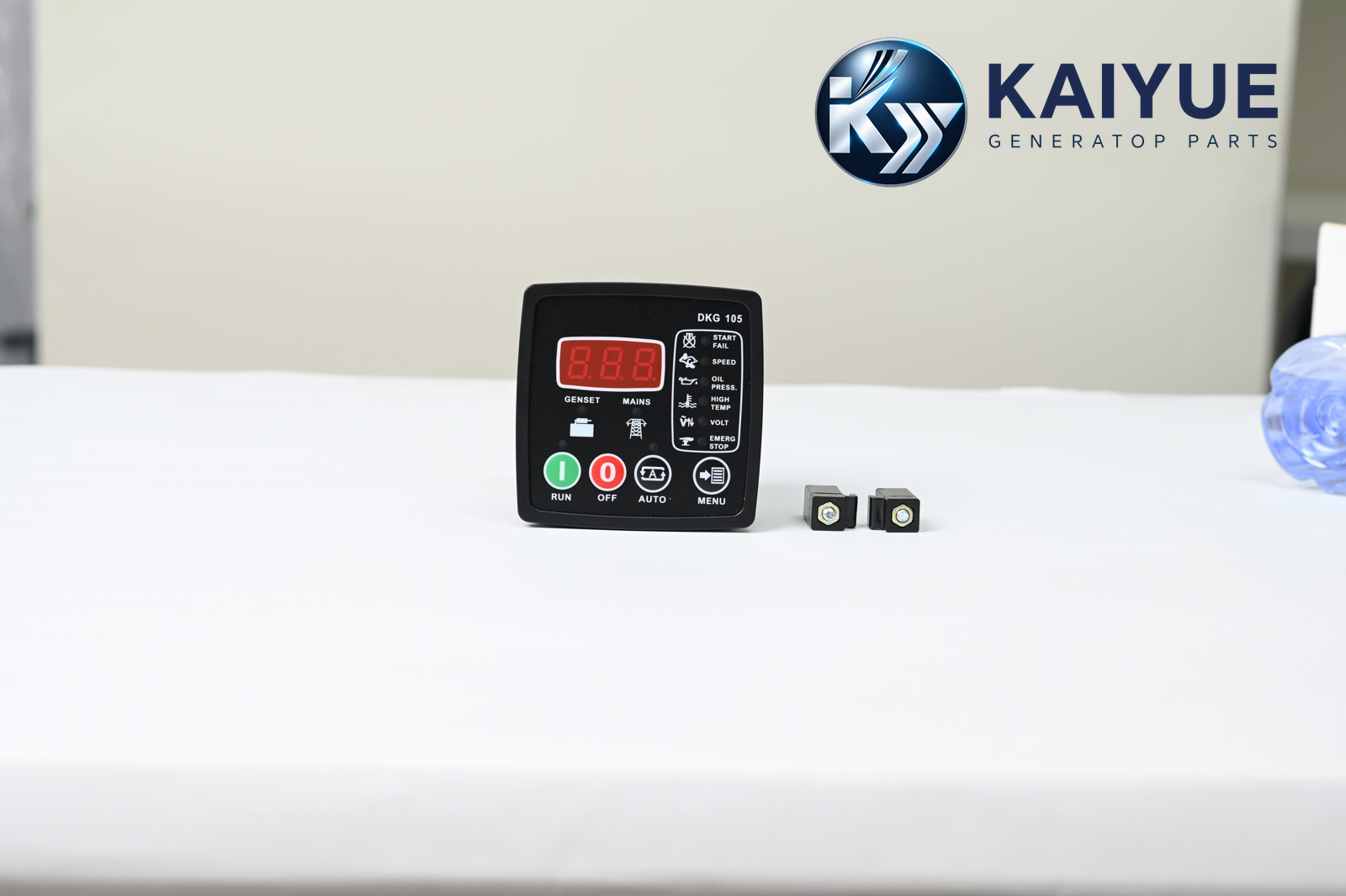
DKG105
Datacom Controller Auto Mains Failure AMF Generator Controller DKG105

KAIYUE has 20 years experience for genset parts.
Datakom Controller Series modules monitor engine and generator conditions. Models with mains monitoring can start the genset when utility voltage falls outside configured limits and command transfer when generator output is ready. During maintenance, review stored alarms and confirm that the configured sensing and relay functions match the panel wiring.
Datacom Controller Auto Mains Failure AMF Generator Controller DKG105
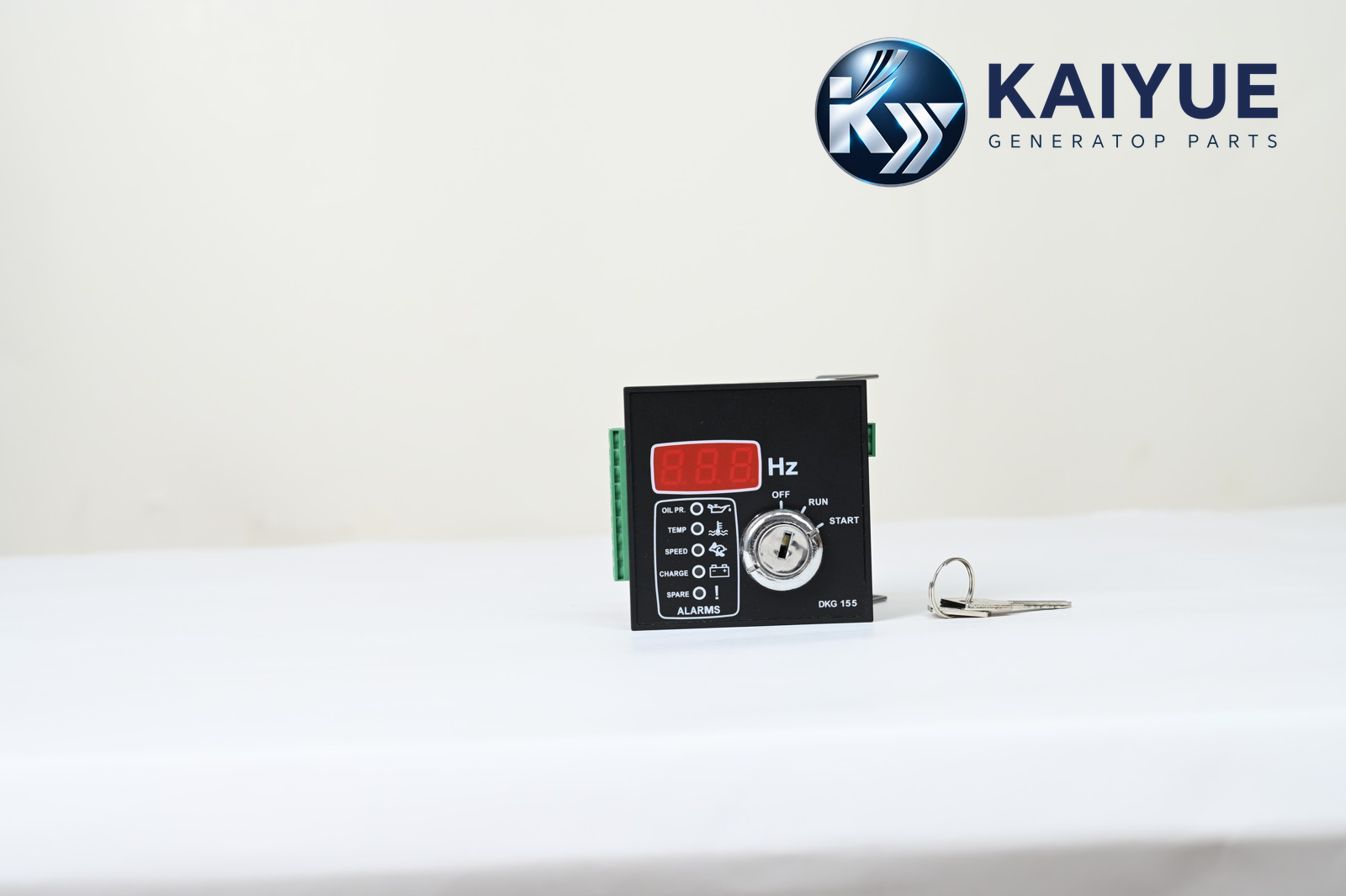
Datacom Controller Auto Mains Failure AMF Generator Controller DKG155
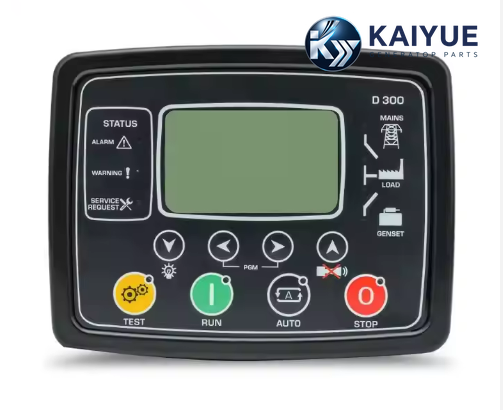
Datacom Controller Auto Mains Failure AMF Generator Controller DKG300
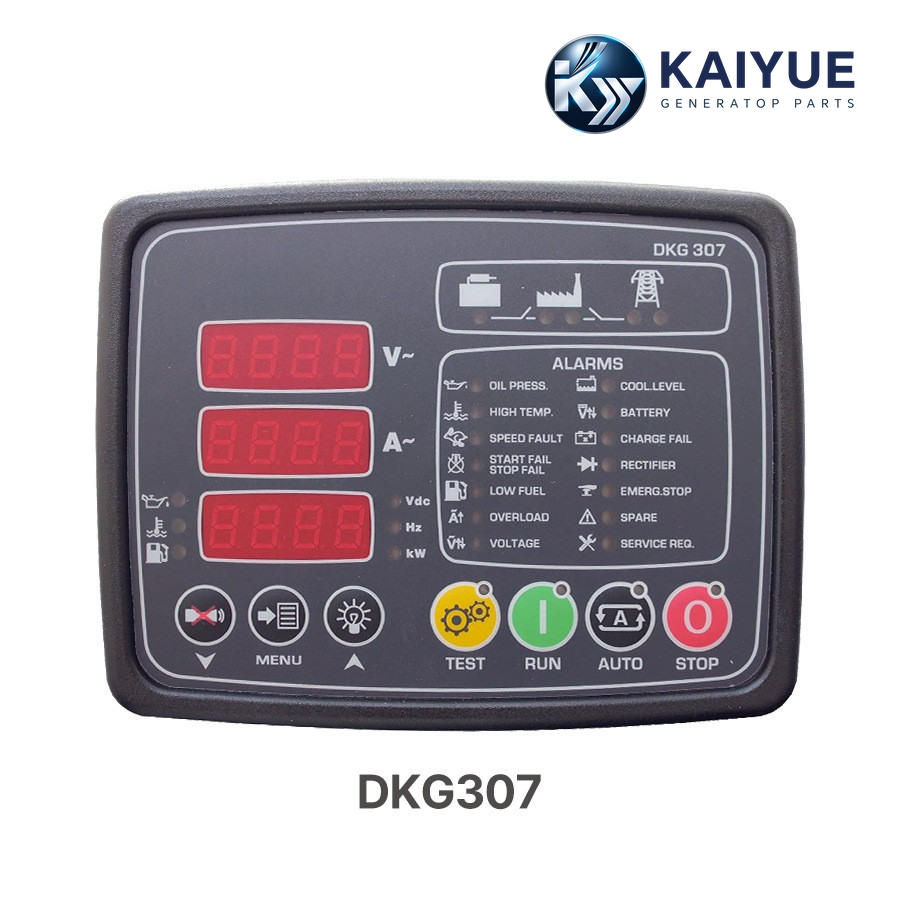
Datacom Controller Auto Mains Failure AMF Generator Controller DKG307
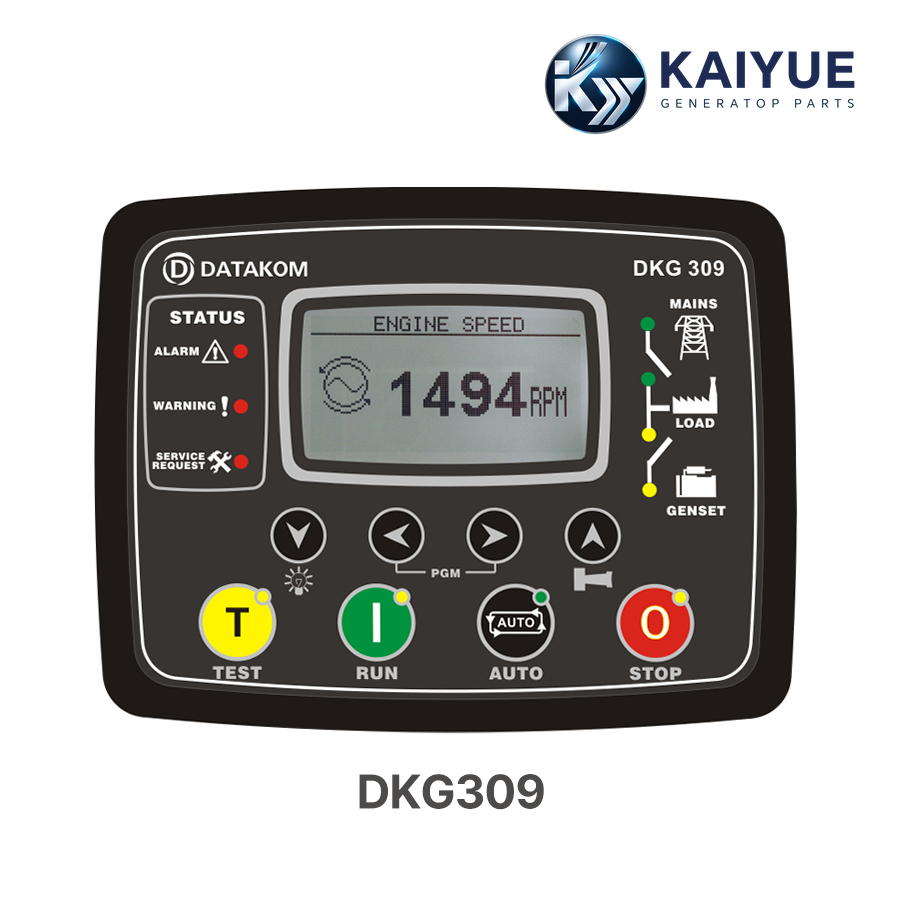
Datacom Controller Auto Mains Failure AMF Generator Controller DKG309
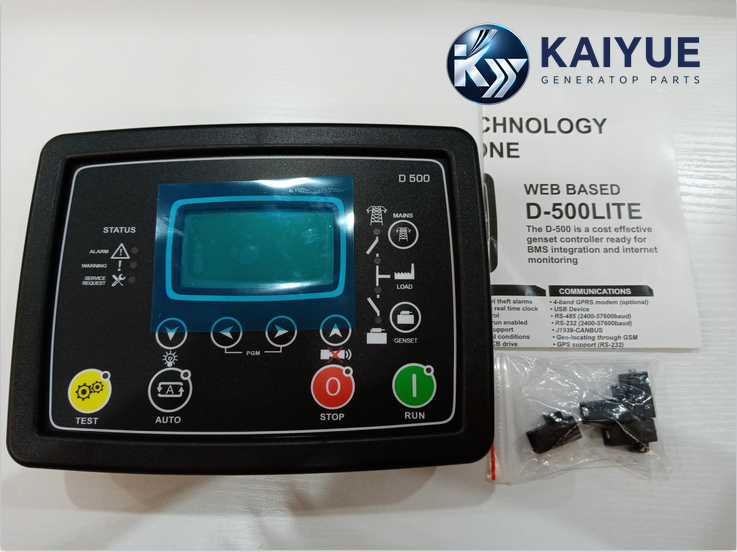
Datacom Controller Auto Mains Failure AMF Generator Controller DKG500
Datakom DKG modules serve generator panels with model-dependent monitoring and mains failure functions. Compare relay assignments and front panel dimensions.
An AMF module supervises utility voltage and applies timers for start, transfer and return when the installation is configured for those functions.
If return to utility fails, check mains acceptance limits, return delay and contactor feedback. Review the alarm record and control wiring.
Compare DKG references by mains sensing, relay functions and supply voltage using the specific model documentation.
Save or record original parameters. With automatic starting disabled and sources isolated, fit the module and run an approved start and transfer test where applicable.
Datakom Controller Series guidance for selection, use and purchasing.
Explore more FAQs ↗They provide generator control, measurement, protection and alarm handling, with model-dependent features such as AMF and communications — confirm the specification with our team.
View this answer in FAQs ↗Compare required measurement channels, protection functions, input/output counts, display type and communication options against your application needs — confirm the specification with our team.
View this answer in FAQs ↗Many models measure both supplies for AMF operation. Confirm the measurement capability of your chosen model — confirm the specification with our team.
View this answer in FAQs ↗Check the mains sensing configuration, start timers, operating mode selection and the start output wiring. Confirm the controller is in automatic mode.
View this answer in FAQs ↗Thresholds should be configured according to the generator and engine ratings, including over/under voltage, frequency and oil pressure limits. Use the equipment specifications as the reference.
View this answer in FAQs ↗ECU communication support depends on the model and engine type. Confirm compatibility with your engine — confirm the specification with our team.
View this answer in FAQs ↗This alarm commonly relates to a failed charging alternator, broken belt or wiring fault on the D+ circuit. Inspect belt condition and wiring.
View this answer in FAQs ↗Paralleling capability is model-dependent and requires additional functions and protections. Confirm whether your model supports it — confirm the specification with our team.
View this answer in FAQs ↗Use the controller's maintenance or stop mode as documented, and avoid leaving the unit in automatic mode while working on the set.
View this answer in FAQs ↗Provide the controller model, panel dimensions, engine and alternator details, required functions and photos of existing wiring. ---
View this answer in FAQs ↗Guidance varies by model and installation. Confirm specifications and suitability for your selected part with our team.
Send a model number, reference photo or application details to our team.
